



One Chat Window. AI Help, Live Support, and Full Building Control.
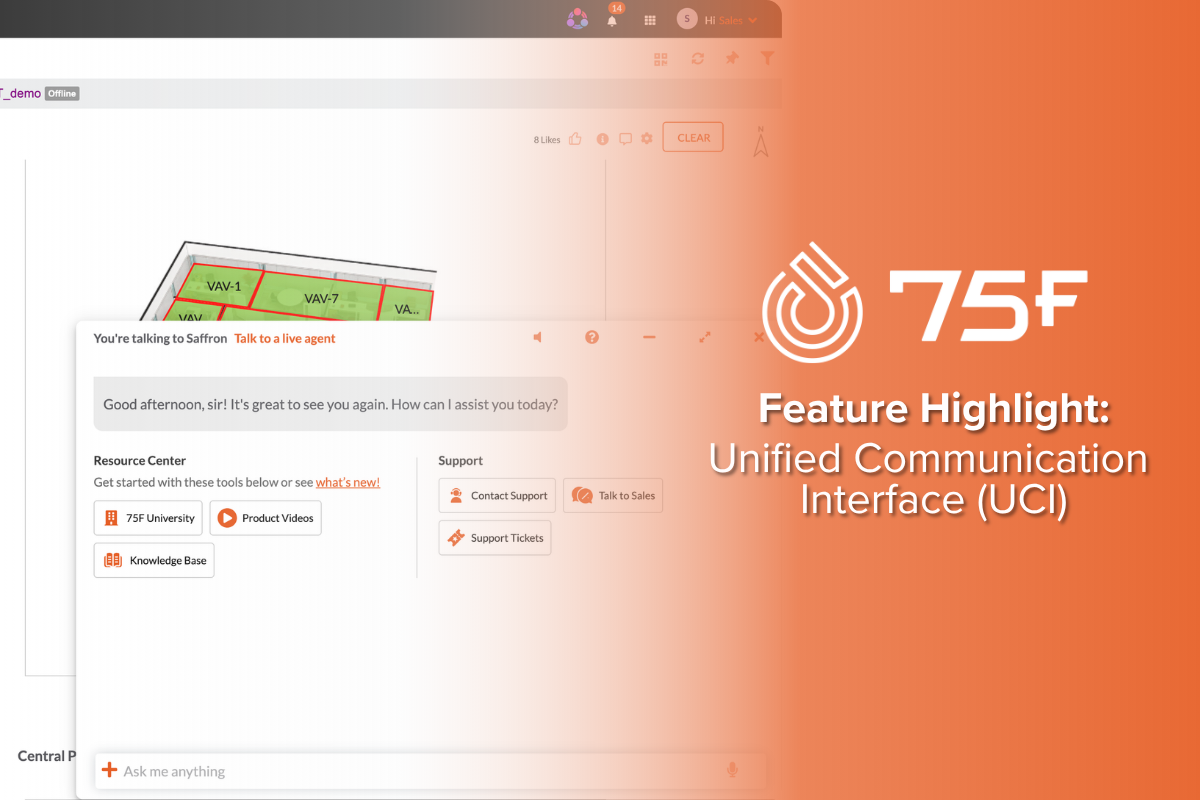
Picture this: it's 7:45 AM and a tenant messages you — the third-floor conference room is too hot, and a big meeting starts in 15 minutes. You open Facilisight, click the Saffron AI chat bubble, and type: "Why is the third-floor conference room hot?"
In seconds, Saffron AI diagnoses the issue using your building's real-time sensor data. It either resolves it on the spot — or connects you directly to a live 75F support agent without you ever leaving the chat window.
That's the Unified Communication Interface (UCI) — now live in Facilisight.
What Is the Unified Communication Interface?
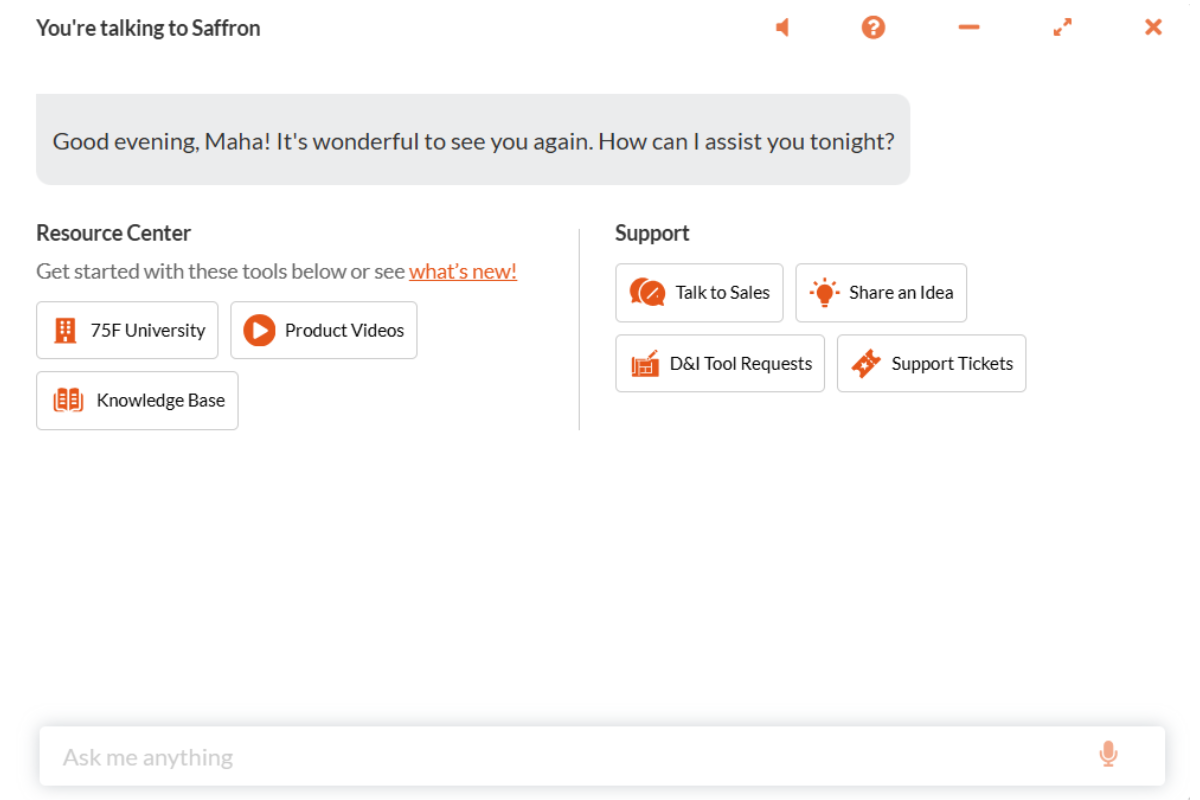
The UCI is a new capability inside the Saffron AI Chatbot in Facilisight. It centralizes everything a building manager might need — AI assistance, live human support, and feedback — into one seamless experience. No more bouncing between apps, hold lines, or re-explaining your issue to a support agent from scratch.
Saffron AI is built on a digital twin of your building: a real-time virtual model fed by live sensor data, trained on ASHRAE guidelines, and structured with Project Haystack tags. Every answer it gives is specific to your building — not a generic response pulled from the internet.


What You Can Do From One Chat Window
Ask Your Building Anything
Get instant answers in plain language — no BMS expertise required:
"Are all my CCUs online?"
"What's the current CO2 level on the second floor?"
"Which zones missed their setpoints today?"
"How many floors and rooms does this building have?"
Turn Data Into Charts and Dashboards
Stop digging through menus to find your building's performance data. Just ask:
Request a line or bar chart of zone temperatures or indoor air quality
Use Whiteboard to Dashboard — upload a rough sketch of the report you want, and Saffron builds it. (Currently supported measurements include zone temperatures, IAQ, and discharge air temps — with more being added regularly based on user feedback).
Take Action — Just by Asking
Saffron doesn't just answer questions. It can act on your behalf:
"Set the heating to 72F for the next two hours in the Office zone"
"Schedule the building for holiday mode on July 4th"
"Subscribe me to all high-severity alerts"
Diagnose Problems With AI-Powered Fault Detection
Saffron is integrated with 75F's Fault Detection and Diagnostics (FDD) engine. Ask it to check on your building, and it will analyze recent sensor behavior, cross-reference historical data, and surface issues with cited sources. Saffron can investigate and diagnose:
Malfunctioning outside air dampers and economizer issues
Zone airflow balancing problems and disconnected ducts
Faulty supply air temperature sensors
Short-cycling, undersized, or unresponsive HVAC units
Damaged VAV reheat coils or zone dampers
Try: "Is anything wrong with my building today?"
Update Equipment Records From a Photo
With Nameplate Data Extraction, photograph any piece of HVAC equipment, upload the image to Saffron, and it will automatically extract the device data and update your building's records. No manual data entry. Use the @ symbol to tag the specific zone you want to update — just like mentioning someone in a message.
Talk to a Live 75F Support Agent — Without Leaving Facilisight
This is the heart of the UCI. When the AI can't fully resolve your issue, just say it:
"I want to talk to a live agent."
Saffron hands the conversation off to a live 75F support specialist via Zendesk — all inside the same chat window. The agent sees your full conversation history, so you never have to repeat yourself.
Use It in Any Language
Saffron supports 50+ languages. Switch anytime by simply asking. Hands-free? Both speech-to-text and text-to-speech are available directly in the chat.
Why This Is a Big Deal
Building management has always required specialized knowledge — knowing which screen to navigate to, which number to call, which parameter to adjust. The UCI is designed to remove those barriers entirely.
For facility managers, it means faster resolution of comfort complaints, less time navigating menus, and access to live support without a separate call.
For building owners, it means the data from thousands of daily sensor readings — temperature, humidity, CO2, VOC, occupancy — is always one question away, in plain language.
For the building automation industry, this is something genuinely new: an AI platform for commercial buildings that doesn't just answer questions, but acts on them, escalates intelligently, and improves over time.
How to Access UCI in Facilisight
UCI is available inside the Facilisight web portal and mobile app. Look for the chat bubble on the left side of your Site Overview page. Complete the quick one-time Saffron AI registration, and you're ready to go. If Saffron AI isn't active on your site yet, reach out to your 75F representative to get it enabled.
Note: Analytics and FDD features require CCU version 2.15.x or higher with Hayloft model integration. VAV and DAB profiles are currently supported. Summary Tables and Dashboards are available on the web portal only — not the mobile app.
Ready to See It in Action?
Explore the full Unified Communication Interface documentation — including step-by-step instructions, example prompts, and how to enable live agent support for your site.
👉 Read the Full Support Article
Have questions or want Saffron AI enabled for your building portfolio? Contact your 75F representative or reach our support team directly at support@75f.io or 888.612.7575.
Sources
1. 75F Support Portal – Unified Communication Interface – Saffron AI Chatbot: https://support.75f.io/hc/en-us/articles/50841854829587
2. 75F Support Portal – Saffron AI Chat: https://support.75f.io/hc/en-us/articles/22524392931603
3. 75F – Saffron AI Product Page: https://www.75f.io/software/saffron-ai/
4. 75F – How the Digital Twin Powers Saffron AI: https://www.75f.io/news/how-the-digital-twin-powers-saffron-ai/
Ready to see Saffron AI in action?






Healthier Buildings Series: Real Estate Strategies in Times of Uncertainty
Commercial real estate is in a completely different landscape today than it was 12 months ago.

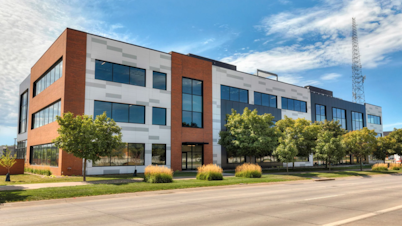
75F Makes IntelliPak RTU Integration Simple in High-End Office Space
Hubbell Realty installed 75F's IoT Building Management System with goals to set a flexible foundation for future building upgrades.